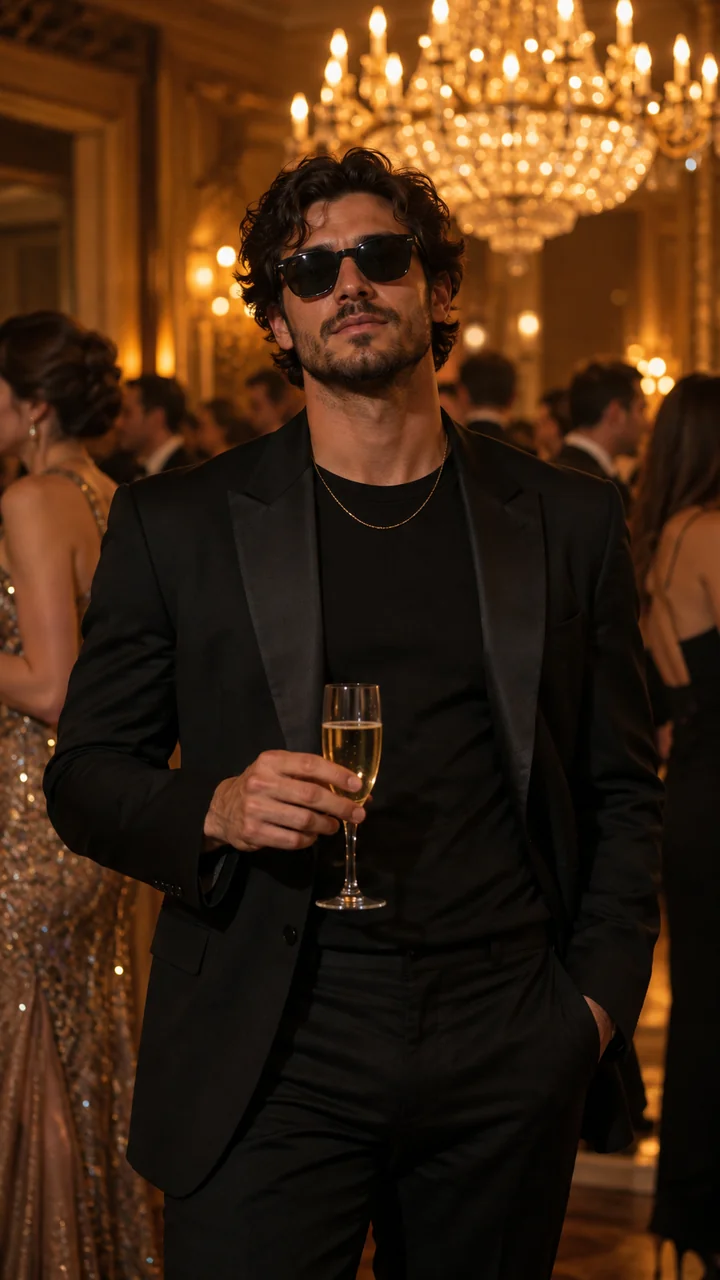
Illustrative preview
Your style, the same iconic scene.
A different character can bring a new look to the same party atmosphere.
AI VIDEO TEMPLATE · CHARACTER SWAP
One photo. Your own Burning Bridges-style party video.
Replace the leading character in a cinematic, chandelier-lit party performance. Upload a clear photo and bring your own character into the scene with AI video editing.
One prepared party scene.
One new leading character.
A character-replacement format inspired by a chandelier-lit party performance and its recognizable “Where She At?” gesture. AI video editing can recast the lead while following a reference scene’s movements, timing and camera work.
A different character can bring a new look to the same party atmosphere.
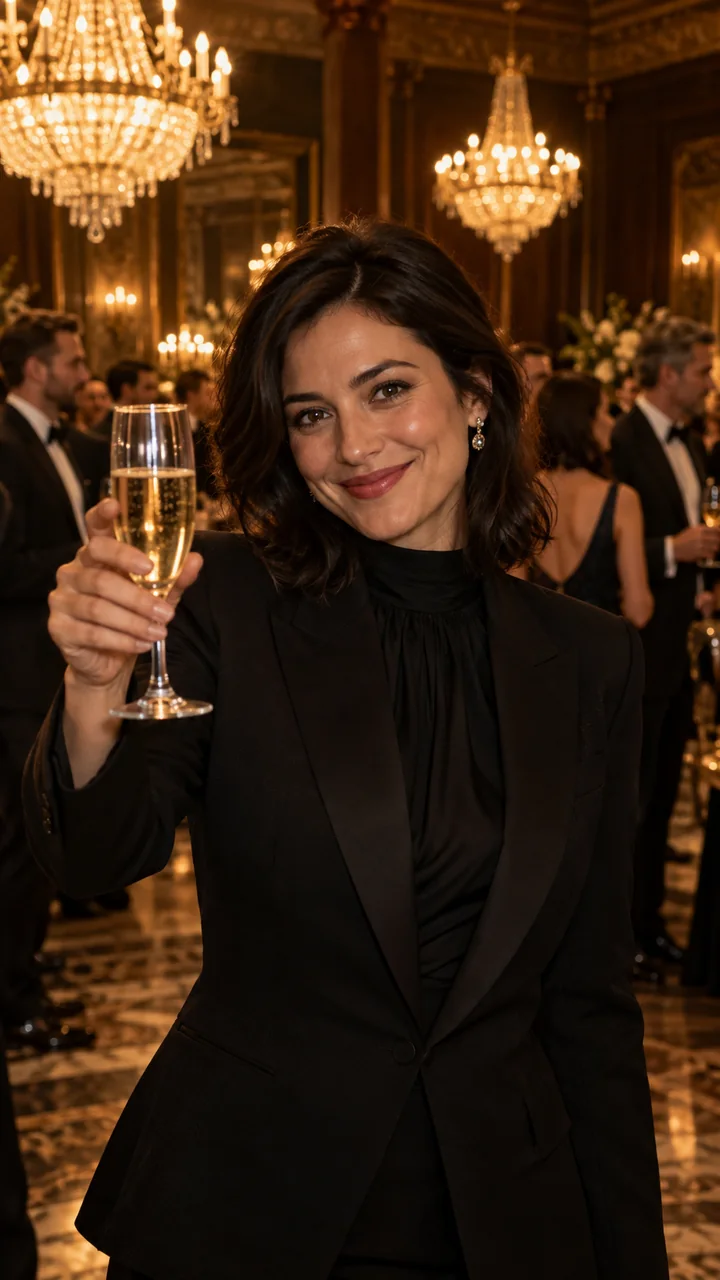
Explore a different take on a warm, cinematic party performance.
Use a clear, front-facing photo of one subject.
Confirm your rights, review the credit quote, then recast the lead.
Review your finished video and download the MP4.
THE SCENE IS SET
Start with a photo. Let the reference supply the performance.
No dance recording or complex prompt. Begin with one clear, authorized character image.
The prepared video provides the party scene, performance timing and camera movement.
The workflow aims to recast the subject. Identity, hands and background details can vary.
A BETTER STARTING POINT
Help the model understand your character. Choose one clear subject with enough of the face and upper body in frame.
Choose your photoMake yourself the central character in a cinematic party-style performance.
Create a playful entrance for someone who has given permission to use their image.
Turn a familiar party moment into a reaction video for your friends.
REFERENCE-BASED AI EDITING
The generator combines your character photo with a prepared video reference through Kling’s 3.0 Omni video model. The reference guides the performance; results can vary in identity, hand movements and scene details.
Model documentationBEFORE YOU STEP INTO THE SCENE
Upload one clear photo, confirm you have the right to use it, review the quality and credit quote, then submit your generation. The prepared template supplies the party-style scene and motion.
It is a character-replacement video format inspired by a chandelier-lit party performance and its recognizable “Where She At?” gesture. AI video editing lets creators introduce a different character while following a reference scene’s movements, timing and camera work.
Yes. Upload a photo you have the right to use; photo eligibility is reviewed during generation, and the AI edit aims to feature your character in the prepared party-style video.
No. The default party-style reference is already loaded into the template. Start with one character photo; there is no need to record a dance or write a prompt.
This generator uses Kling’s 3.0 Omni video model — the same engine behind our Rumpelstiltskin AI dance videos. It combines your character photo with a prepared reference video, following the scene’s choreography and camera work.
You can explore this page and preview your photo without paying. Video generation requires credits, with the exact quote shown before you submit. Uploading a photo does not charge credits.
The generated video is 12 seconds long at 9:16 portrait, ready for TikTok, Reels and Shorts. The template specification is shown before you generate.
Pet generation is not supported yet. Support will only be offered after the selected template has been tested with animal characters.
Yes. The generated video carries the prepared reference clip’s original audio track, timed to the performance. If you prefer your own sound, mute it and add music using an authorized social platform audio library.
No. This is an independent AI creative tool inspired by an online video trend. It is not affiliated with or endorsed by Drake, his record label or his representatives.
YOUR TURN IN THE SPOTLIGHT
One clear photo is a good place to start.