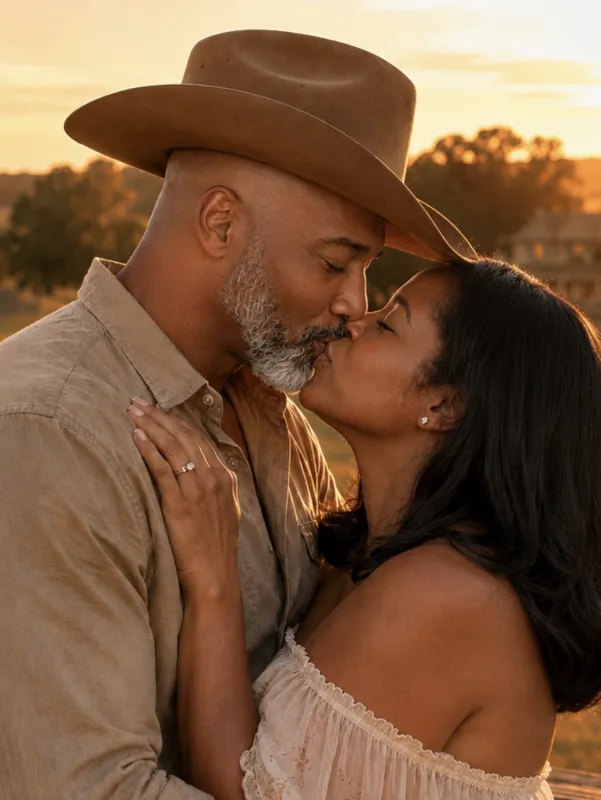
AI photo animation · 5-second MP4

Animate a Photo with AI

Turn any still photo into a short moving video. Upload a picture, choose a motion or describe your own, and let AI bring it to life.

Choose a motion
What should happen?

0/2000

Pick a preset to start, then edit the prompt however you like.

Uses 20 credits· about 1–3 minutes· you'll be asked to sign in first

Preview
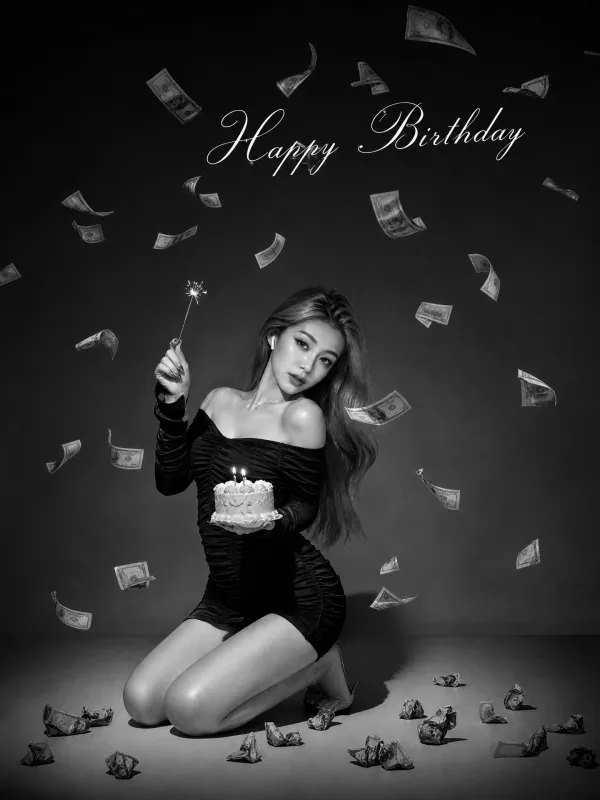
Original portrait photo of a woman before animation
Original

How to animate a photo: upload a JPG, PNG, or WebP photo (up to 20 MB), pick a motion such as Natural Portrait or Cinematic Push-In — or describe your own — and Purupuru Maker generates a 5-second MP4 video in about 1–3 minutes. Each animation uses 20 credits. Prefer something free? Try Wobble or Paper Animator, which run in your browser.

Examples

See What You Can Animate

Six motions that work beautifully from a single photo. Every example below was generated with the exact prompt shown.

Original portrait photo of a woman before animation
5s

Animate a Portrait

Make a portrait blink, smile, breathe, or turn its head slightly while keeping the person's appearance consistent.

Prompt used

Subtle breathing, one natural blink, a soft smile, slight head movement, gentle hair motion. Keep the person's face, clothing, and background unchanged.

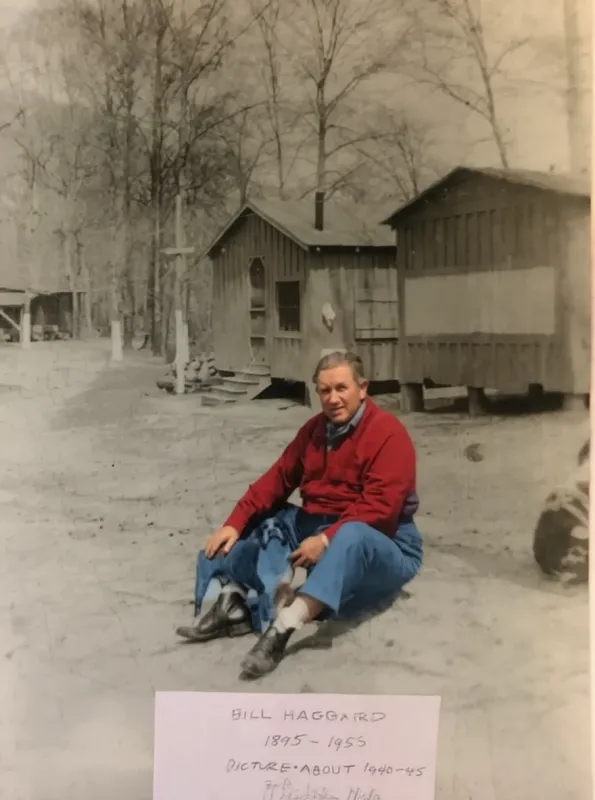
Original old family photo before animation
5s

Animate an Old Family Photo

Bring an old photo to life with subtle blinking, a gentle head turn, and a warm expression — without losing its vintage look.

Prompt used

Subtle natural blinking, gentle head movement, and a warm expression. Preserve the original identity, clothing, lighting, and vintage look.

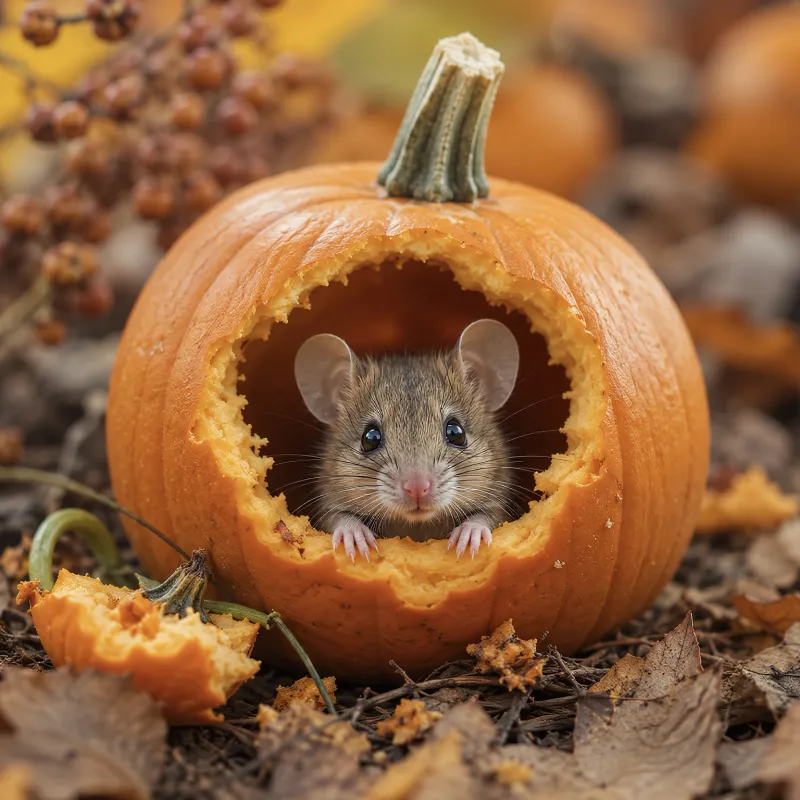
Original pet photo of a dog before animation
5s

Animate a Pet Photo

Make a dog or cat look around, blink, tilt its head, or move its ears.

Prompt used

The pet looks toward the camera, blinks naturally, slightly tilts its head, and gently moves its ears. Preserve its exact appearance.

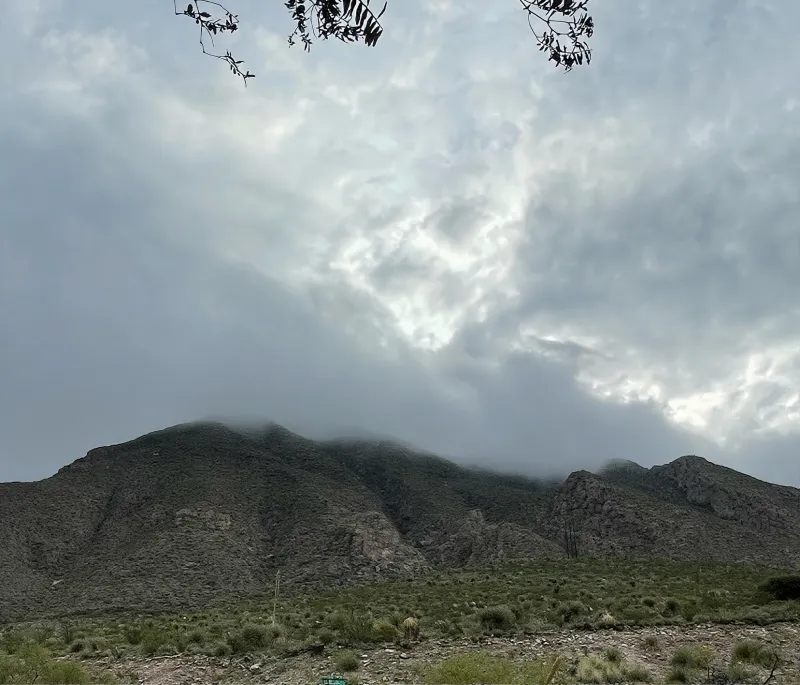
Original landscape photo before animation
5s

Animate a Landscape

Add drifting clouds, moving water, swaying trees, or changing light while the scene stays intact.

Prompt used

Gentle wind moves the trees and grass, clouds drift slowly across the sky, soft natural light changes. The camera stays stable.

Original anime-style illustration before animation
5s

Animate Artwork

Bring illustrations, drawings, and anime characters to life while keeping the original style.

Prompt used

The character blinks and breathes gently, hair and clothing sway slightly. Keep the original art style, lines, and colors unchanged.

Original travel photo before animation
5s

Add Camera Movement

Give a travel photo a slow cinematic push-in with depth and parallax.

Prompt used

Slow cinematic camera push-in with subtle parallax and realistic depth. Preserve the original composition and subject.

Compare

3 Ways to Animate a Photo on Purupuru Maker

Realistic AI motion, a free bouncy wobble, or a hand-made paper style — pick the look you want.

FeatureAI Animate This pageWobblePaper Animator
ResultRealistic motion: blinking, smiling, head turns, camera movesBouncy, jiggly wobble effectPaper cut-out animation with texture
Best forPortraits, old photos, pets, sceneryMemes, stickers, fun GIFsCrafty, hand-made style posts
OutputMP4GIFGIF (WebM/MP4 if the browser supports it)
Price20 credits per videoFreeFree
Sign-upRequiredNot requiredNot required
ProcessingCloud AIIn your browserIn your browser
LinkYou're here ✦Try Wobble →Try Paper Animator →

Want the person in your photo to dance instead? Try the AI Dance Generator →

Prompting

How to Write a Prompt to Animate a Photo

A good motion prompt has four parts. Write them in any order, but include all four.

What moves+How it moves+Camera+What stays the same

Example: "The woman blinks and smiles softly" + "slowly and naturally" + "static camera" + "keep her face, clothing, and background unchanged."

Keep it small

Describe one or two small motions. Subtle movement looks more realistic than big action.

Protect the face

Always add a "keep … unchanged" clause to protect the face and identity.

Set the camera

Say whether the camera is static or moving. If you don't, the AI may add unwanted camera motion.

Skip big action

Avoid asking for large movements like walking or dancing from a single photo.

More prompts to copy

GoalPrompt
Keep the face identical… Keep the person's facial features, identity, and expression style exactly the same as the original photo.
Only animate the backgroundThe subject stays completely still. Only the background moves: leaves sway, clouds drift slowly.
Hair in the breezeA gentle breeze moves the hair and clothing naturally. The face and pose stay unchanged. Static camera.
Look toward the cameraSlowly turns the head and looks toward the camera, then blinks once naturally.
Step by step

How to Animate a Photo With AI

  1. 1

    Upload a photo

    A portrait, pet, old family photo, landscape, or artwork (JPG, PNG, or WebP, up to 20 MB).

  2. 2

    Choose or describe the motion

    Pick a preset like Natural Portrait, or write your own, such as "smile and blink naturally" or "slow camera push-in."

  3. 3

    Generate and download

    Get a 5-second MP4 in about 1–3 minutes. Not quite right? Adjust the prompt and try again.

Photo checklist

What Photos Work Best for AI Animation?

Works well

  • One clear main subject
  • Sharp, high-resolution image
  • Face clearly visible, looking roughly forward
  • Even, good lighting
  • Subject not cut off by the frame

Harder to animate

  • Tiny or distant faces
  • Blurry or heavily compressed images
  • Faces partly hidden or in profile
  • Multiple overlapping people
  • Complex hand poses
  • Images with lots of text

Troubleshooting

ProblemTry this
The face changes or looks like someone elseAdd "keep the face and identity unchanged"; use smaller motions
Warped hands or objectsCrop to the face or upper body; avoid motions involving the hands
Too much motion or unnatural movementUse "subtle" / "slowly"; describe only one motion
Unwanted camera movementAdd "static camera"
An old photo looks too modernAdd "preserve the vintage look, grain, and colors"
Good practice

Use Photos Responsibly

Only animate photos you own or have permission to use. Get consent before animating photos of other people, and be thoughtful with photos of people who have passed away. Don't use animations to impersonate or mislead. Uploads are checked for unsafe content. See our Acceptable Use Policy and Privacy Policy.

Generations that trigger a safety review may still use credits — this is stated before you confirm each generation.

FAQ

Frequently Asked Questions

How can I animate a photo with AI?+
Upload a photo, choose a motion preset or describe the movement, and click Animate. Purupuru Maker turns it into a 5-second MP4 in about 1–3 minutes.
Can I animate a photo for free?+
AI animation uses credits — 20 per video. For a completely free option, Wobble and Paper Animator run in your browser with no sign-up.
Can AI make someone in a photo blink and smile?+
Yes. The Natural Portrait preset adds natural blinking, a soft smile, and subtle breathing from a single photo. It works best with a clear, front-facing face.
Can I animate old family photos?+
Yes. Use Old Photo Revival for subtle blinking and head movement that keeps the vintage look. Scanning at high resolution gives better results.
What prompt should I use to animate a photo?+
Describe what moves, how it moves, the camera, and what must stay the same — for example: "blinks and smiles softly, static camera, keep the face unchanged."
How do I keep the face unchanged?+
Add "keep the person's face and identity unchanged," ask for small motions only, and use a sharp, well-lit photo.
Why does my animated photo look weird?+
Usually the motion is too big or the photo is blurry, tiny, or crowded. Use subtle motions and a clear single-subject photo. See the troubleshooting tips above.
What happens to my uploaded photo?+
Your photo is uploaded securely, stored for 7 days, and then deleted. We don't disclose which AI model powers the animation.
Can I animate a photo of someone else?+
Only with their permission. Don't use animations to impersonate or mislead anyone. See our Acceptable Use Policy.
BRING PHOTOS TO LIFE

Bring Your Photo to Life

Upload a photo and watch it move in minutes.

Or try free: Wobble · Paper Animator